
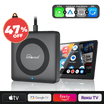




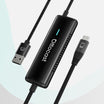
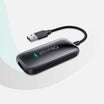


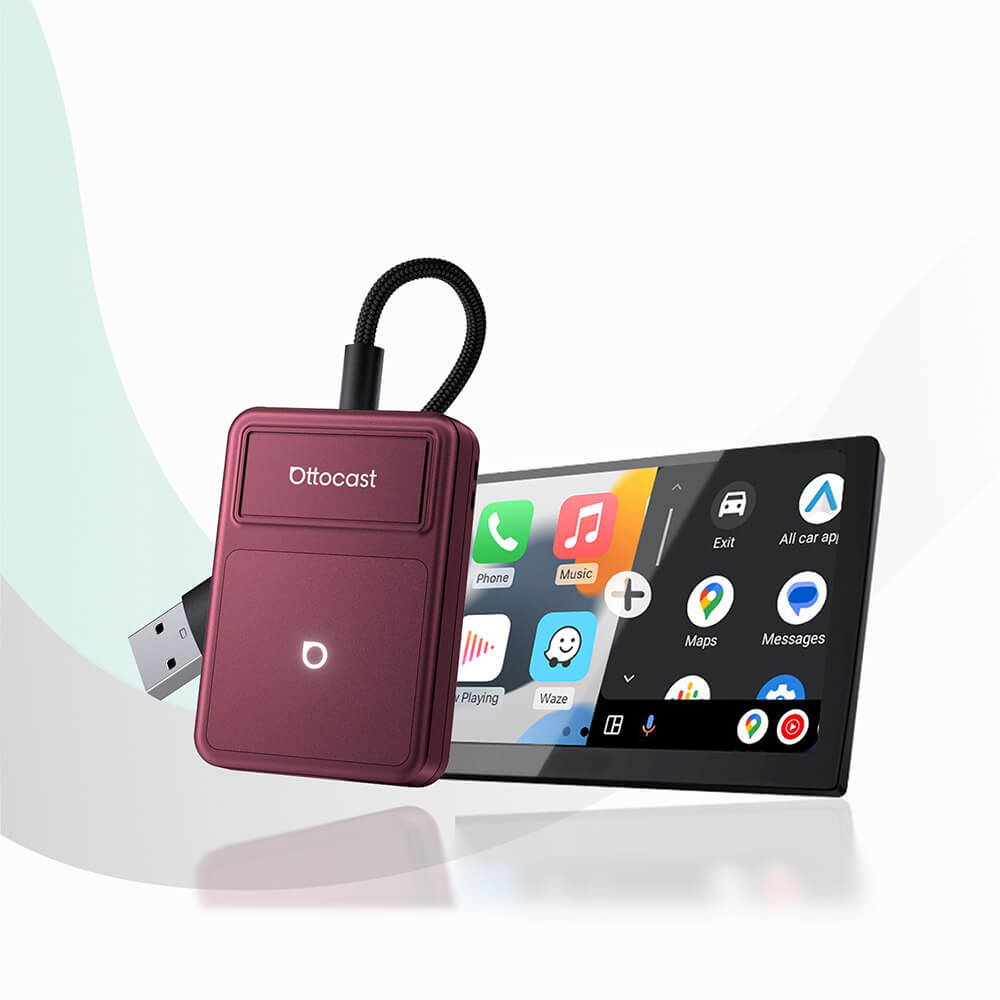
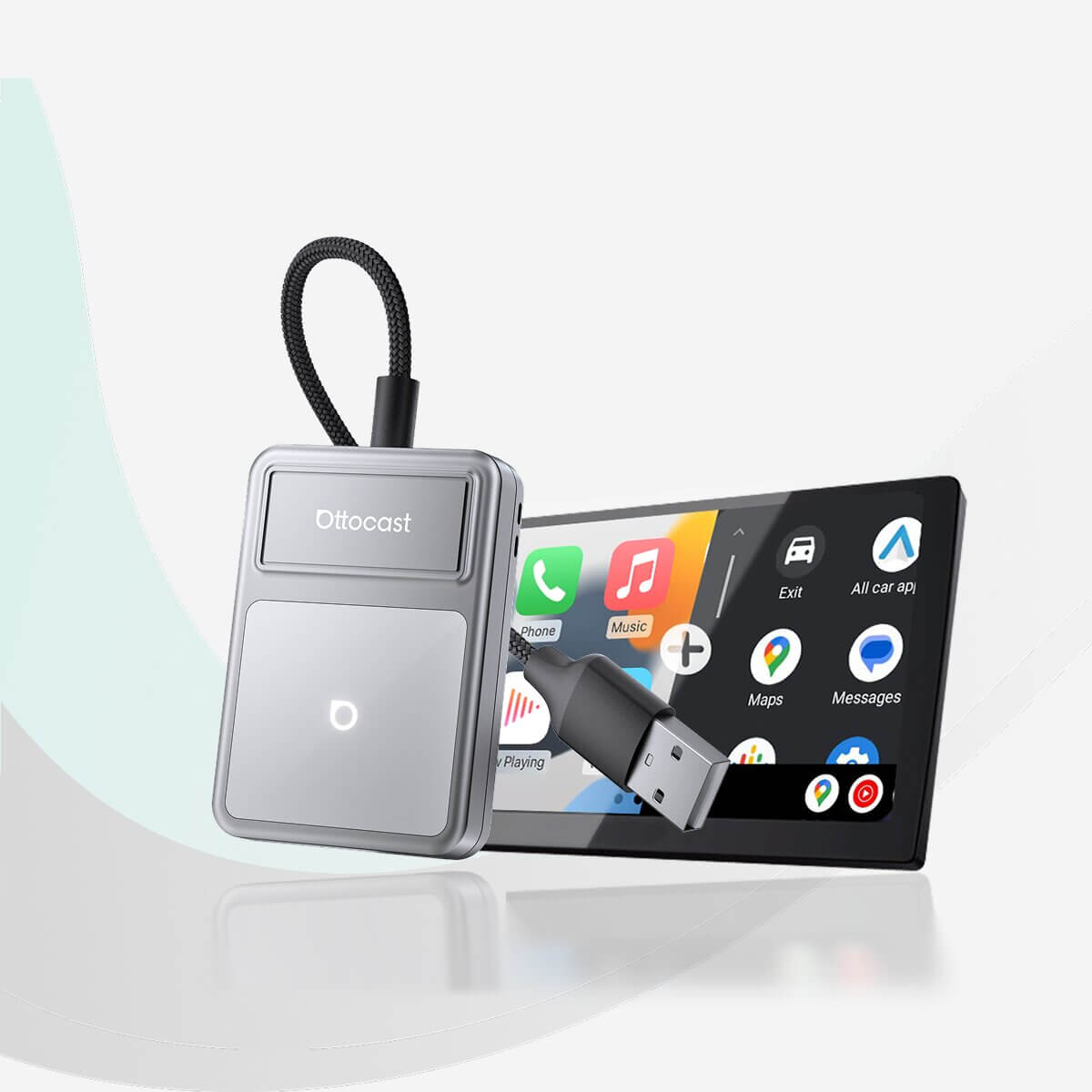
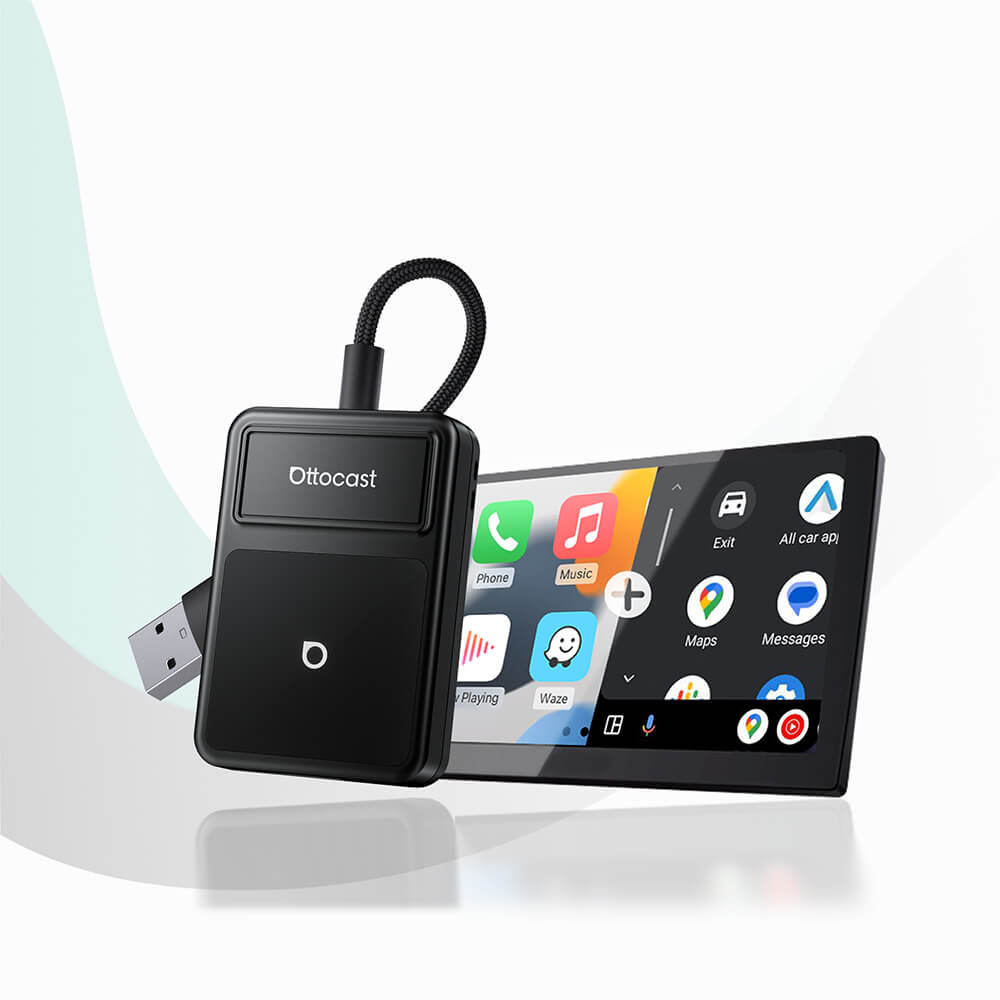
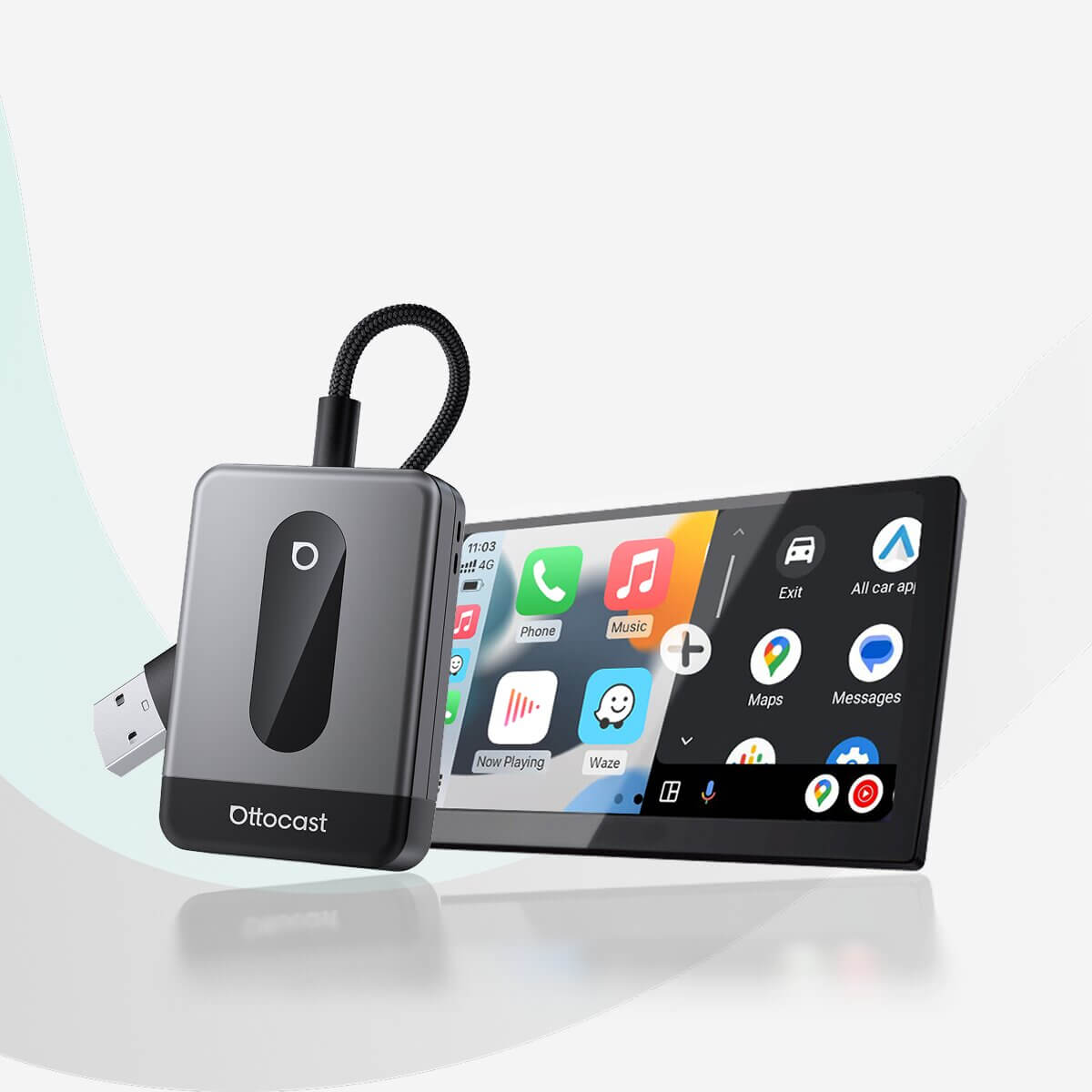
U2AIR Edge Next-Gen – Faster, More Stable Wireless CarPlay & Android Auto
Solution found for your vehicle!
VEHICLE SELECTED
Audi A4, 2018
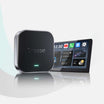
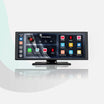
We've confirmed your vehicle does not have factory CarPlay. Don't worry! The Ottoscreen AI shown below is the complete solution designed to bring smart features and full screen CarPlay to your car easily.

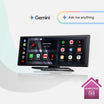
Ottoscreen AI — CarPlay, Netflix & Apps on an 11.4" Android 15 Screen
Great! Your Car Has Wired CarPlay
VEHICLE SELECTED
Audi A4, 2018
Your vehicle is listed with factory wired CarPlay. Review the requirements above before purchasing.
Need Confirmation
VEHICLE SELECTED
Audi A4, 2018
We apologize, your model is not in our database. Please confirm one crucial detail: Does your car have Wired Apple CarPlay?
Watch the guide video below or use an AI tool (like Gemini or ChatGPT) to quickly search your car's features and confirm. If it has wired CarPlay, our products is the perfect fit!
Wireless CarPlay Only
VEHICLE SELECTED
Audi A4, 2018
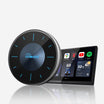
Your vehicle only supports wireless CarPlay and does not have wired CarPlay, so this product is not compatible with your vehicle. Don’t worry—you can choose our OTTOAIBOX i3 to watch videos in your car.

OttoAibox ™ i3 (Designed for BMW models.)
Great! Your Car Has Wired CarPlay
VEHICLE SELECTED
Audi A4, 2018
Your vehicle is listed with factory wired CarPlay. Review the requirements above before purchasing.
Great! Great! Your Car Has Wired Android Auto Only
VEHICLE SELECTED
Audi A4, 2018
Your vehicle is listed with factory wired Android Auto. Review the requirements above before purchasing.
Wireless CarPlay Only
VEHICLE SELECTED
Audi A4, 2018
Your vehicle supports factory wireless CarPlay. However, wired CarPlay has only been confirmed on higher trim levels, while availability on lower trims may vary.
Not sure if your car supports wired CarPlay? Connect your iPhone to the car’s USB port using a cable. If there are multiple USB ports, use the one intended for phone connection rather than charging only. If CarPlay appears on your factory screen, your vehicle is compatible with our product.
Wired Android Auto & wireless CarPlay only
Audi A4, 2018
Perfect Match!
VEHICLE SELECTED
Audi A4, 2018
Your car supports Wired CarPlay and works with our products.
Perfect Match!
VEHICLE SELECTED
Audi A4, 2018
Your car supports Wired CarPlay and works with our products.
Perfect Match!
VEHICLE SELECTED
Audi A4, 2018
Your car supports Wired CarPlay and works with our products.
Complete Your Setup
*Works with 99% of vehicles with factory-wired CarPlay or Android Auto, including aftermarket head units from Alpine, Kenwood, and Pioneer.
*These vehicles are not compatible:- BMW
After-sale policy

30-Day Returns

2-Year Warranty
What Drivers Say About Ottocast


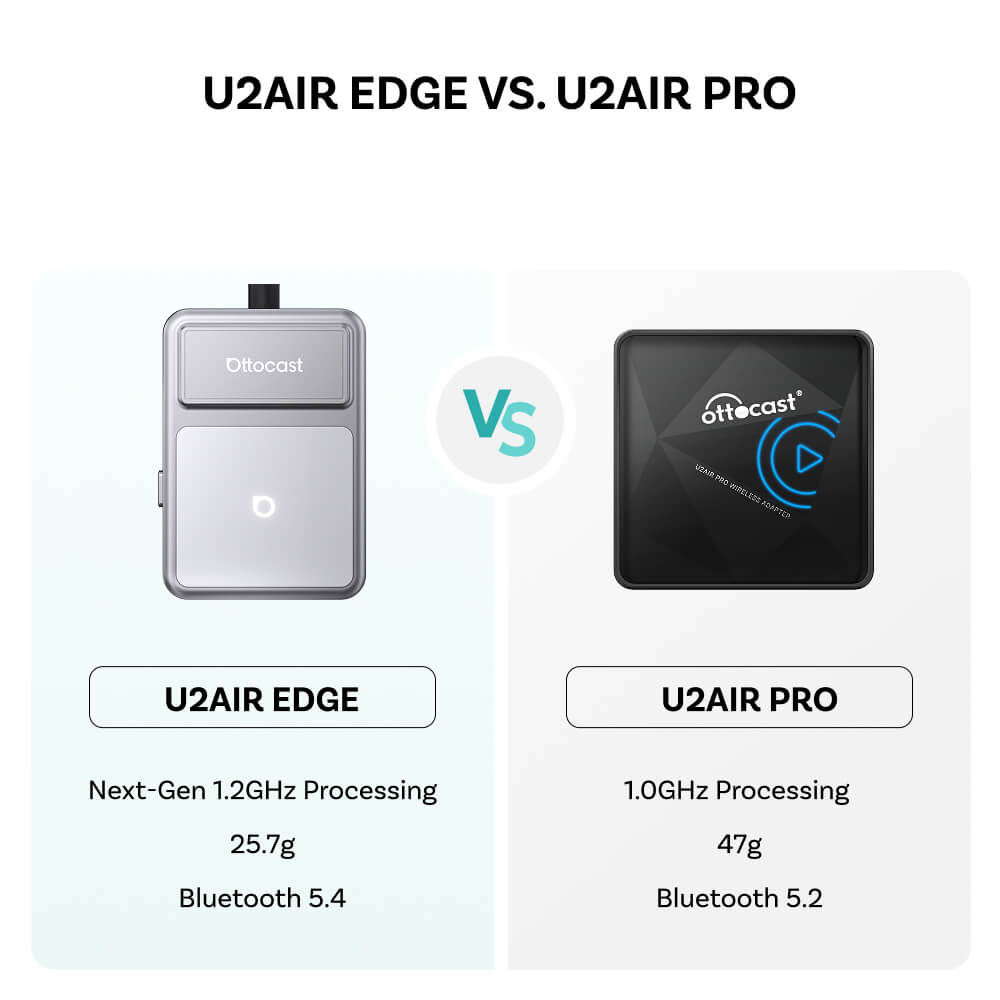
Compared With U2Air Pro
Updated
processing 1.2GHz
A streamlined processor design, tuned for responsive everyday use.
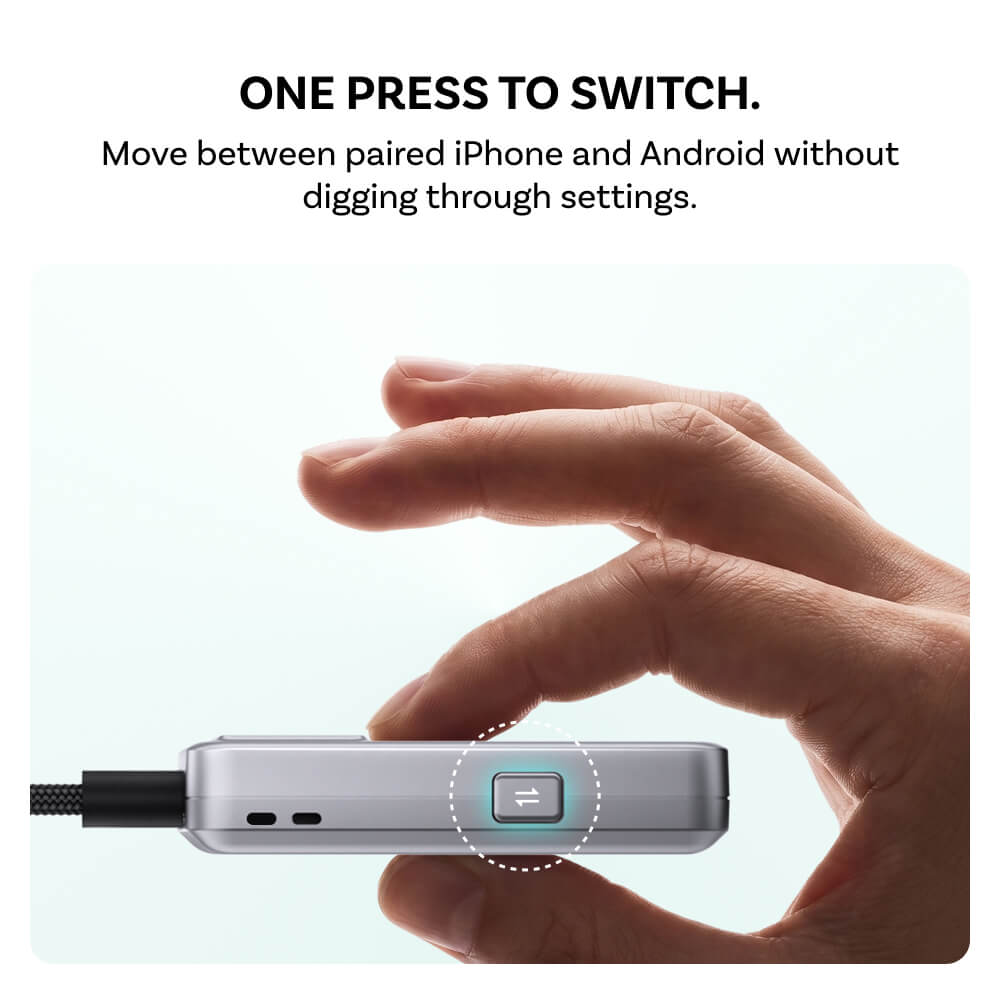
One press
Switch phones
Move between two remembered devices with the dedicated button
Up to
76% lighter*
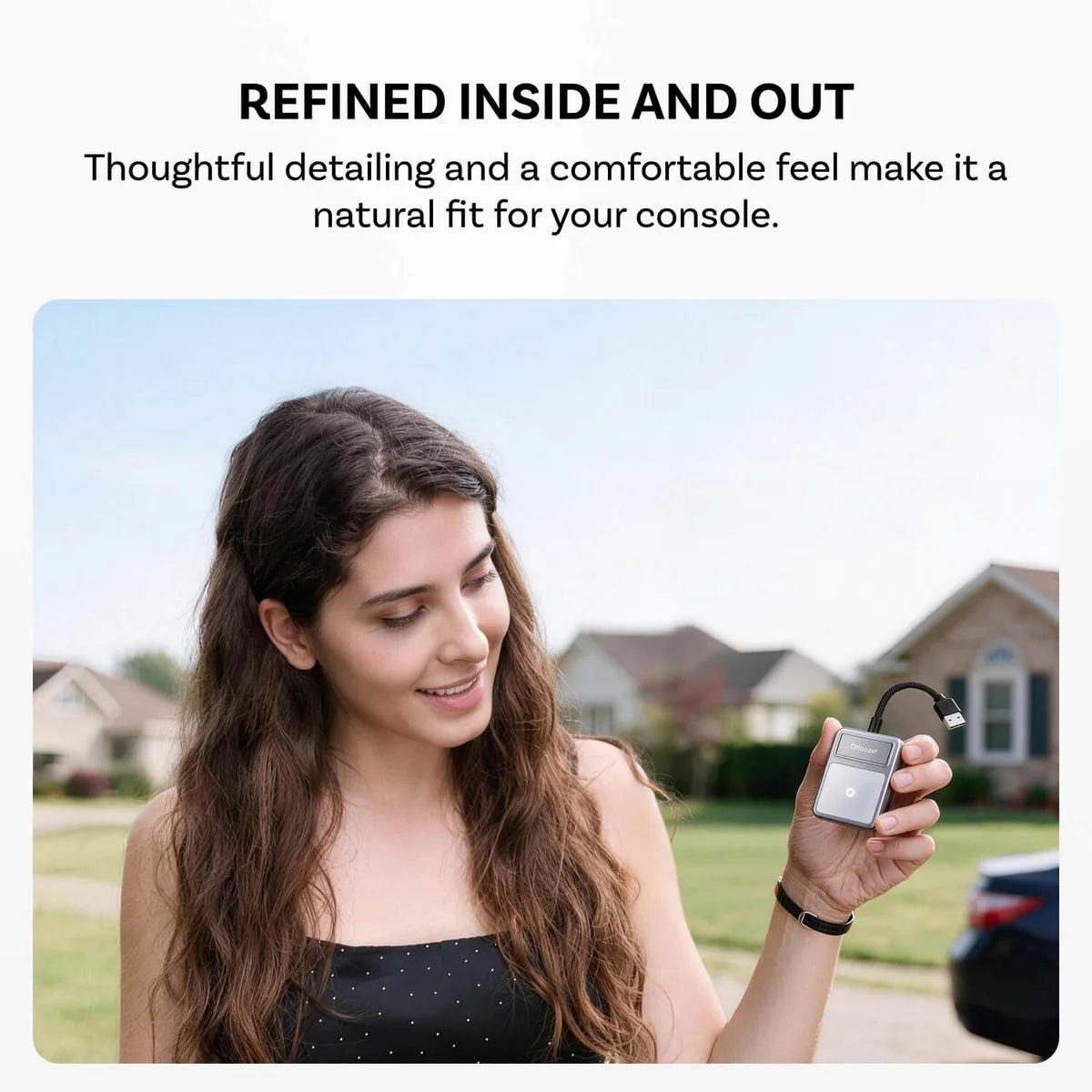
A lighter, slimmer design that fits more naturally into your center console.
Cooler by Design
Integrated venting helps move heat away during longer drives, supporting stable wireless performance from daily commutes to extended trips.

A Simple Three-Step Setup.
Pair once, then make wireless part of the routine.

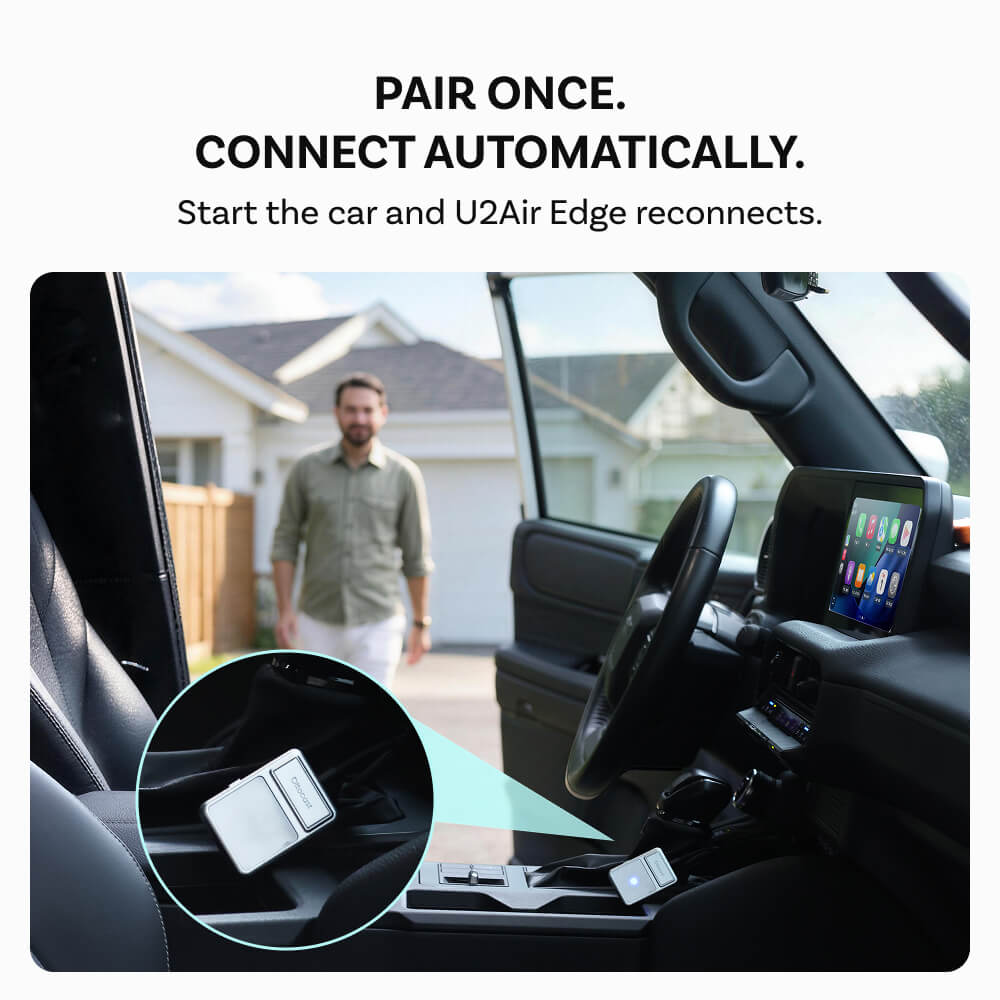
Connect U2Air Edge to your vehicle's supported data USB port

Turn on Bluetooth and Wi-Fi, then follow the pairing prompt

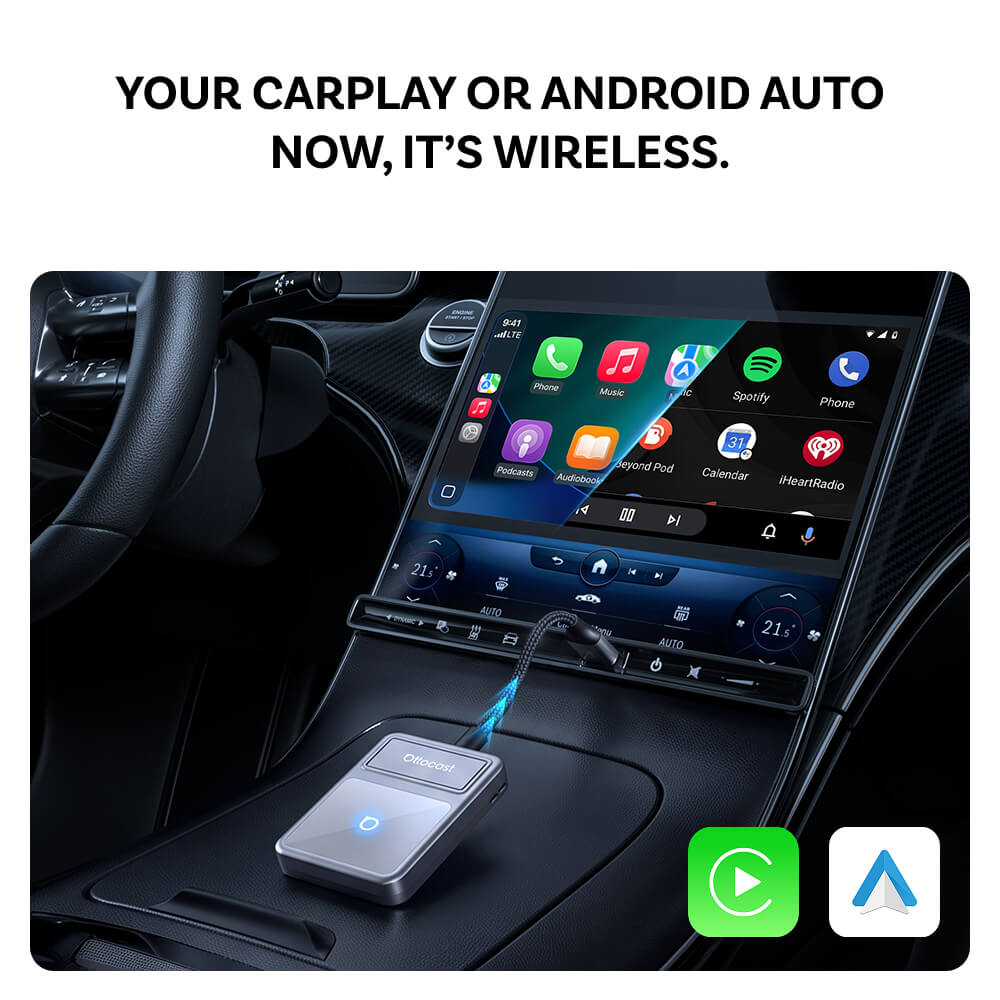
CarPlay or Android Auto appears on your factory display
Connect U2Air Edge to your vehicle's supported data USB port
Turn on Bluetooth and Wi-Fi, then follow the pairing prompt
CarPlay or Android Auto appears on your factory display
Ready for today. Ready for what’s next.
From the phone you use now to the one you upgrade to next, U2Air Edge keeps CarPlay & Android Auto wireless. Firmware updates help maintain compatibility as iOS and Android evolve.


Keep The Controls You Already Use.
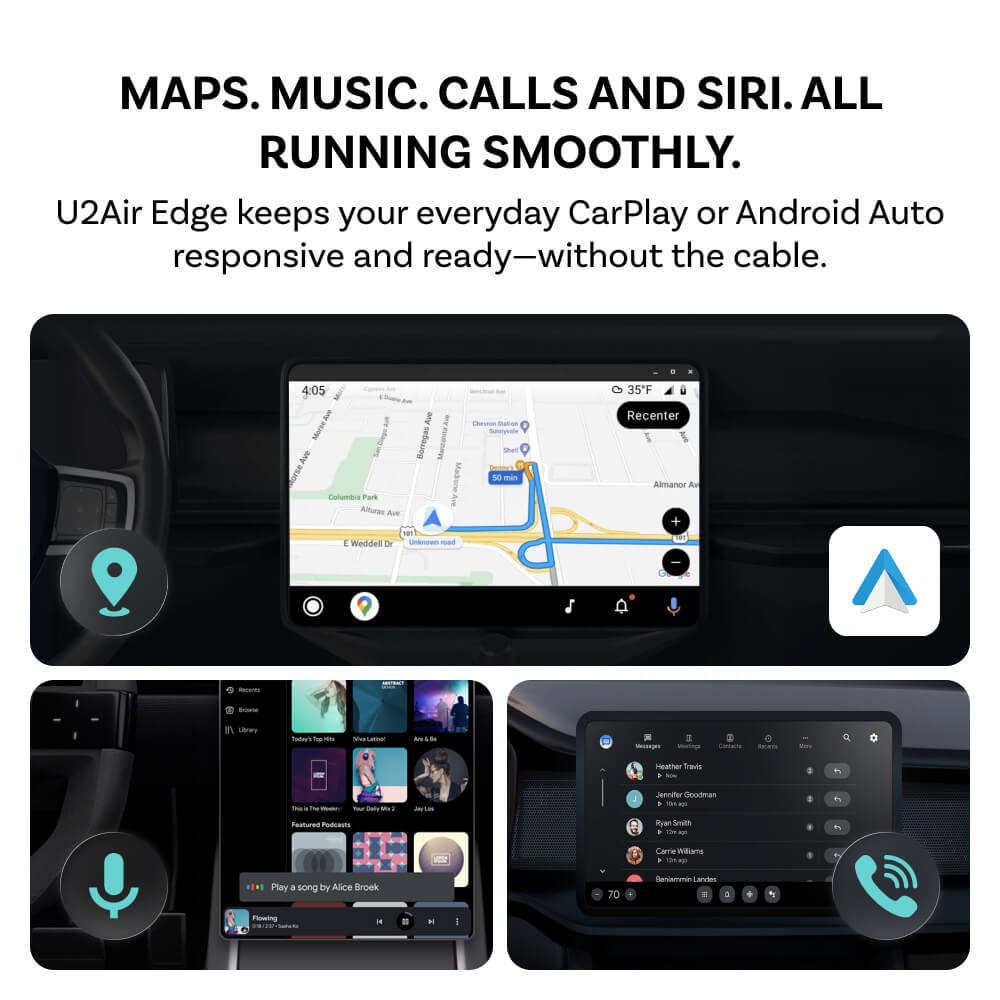
CarPlay and Android Auto continue to work through your compatible touchscreen, steering-wheel buttons or control dial.

Compare
Compare our most popular products below.
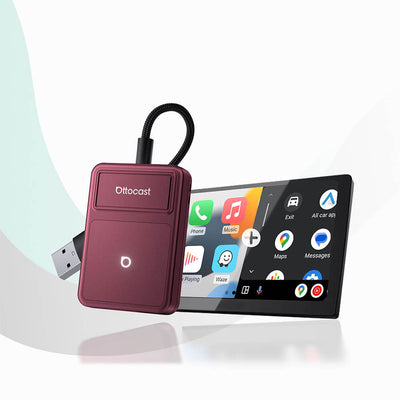 U2Air Edge
£35.00 GBP U2Air Edge
£35.00 GBP
|
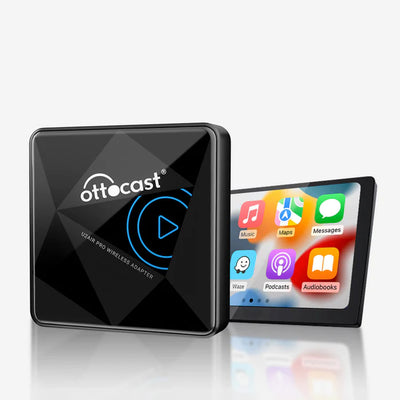 U2Air Pro
£50.00 GBPLearn More U2Air Pro
£50.00 GBPLearn More |
|||
|---|---|---|---|---|
| Processor | Processor | Processor |
1.2GHz single-core, optimized for efficient everyday performance
|
1.0GHz Dual-core
|
| Bluetooth | Bluetooth | Bluetooth |
Bluetooth 5.4
|
Bluetooth 5.2
|
| Weight | Weight | Weight |
25.7g
|
47g
|
| Device Memory | Device Memory | Device Memory |
Up to 2 Devices
|
1 Devices
|
| Device Switching | Device Switching | Device Switching |
One-press Switching
|
No Dedicated Switch Button
|
Check Your Car Before You Buy
If your vehicle has factory wired CarPlay or Android Auto, you’re already on the right track. Select your make, model and year to confirm compatibility.

FAQ
Most Ottocast products are designed for vehicles (typically 2016 or newer) with Factory Wired Apple CarPlay and/or Factory Wired Android Auto. This product is a wired-to-wireless adapter and must be plugged into a USB data port (not a charge-only port).
Quick check: plug your phone in—if CarPlay/Android Auto pops up, it’s supported. Video: 👉 Watch video
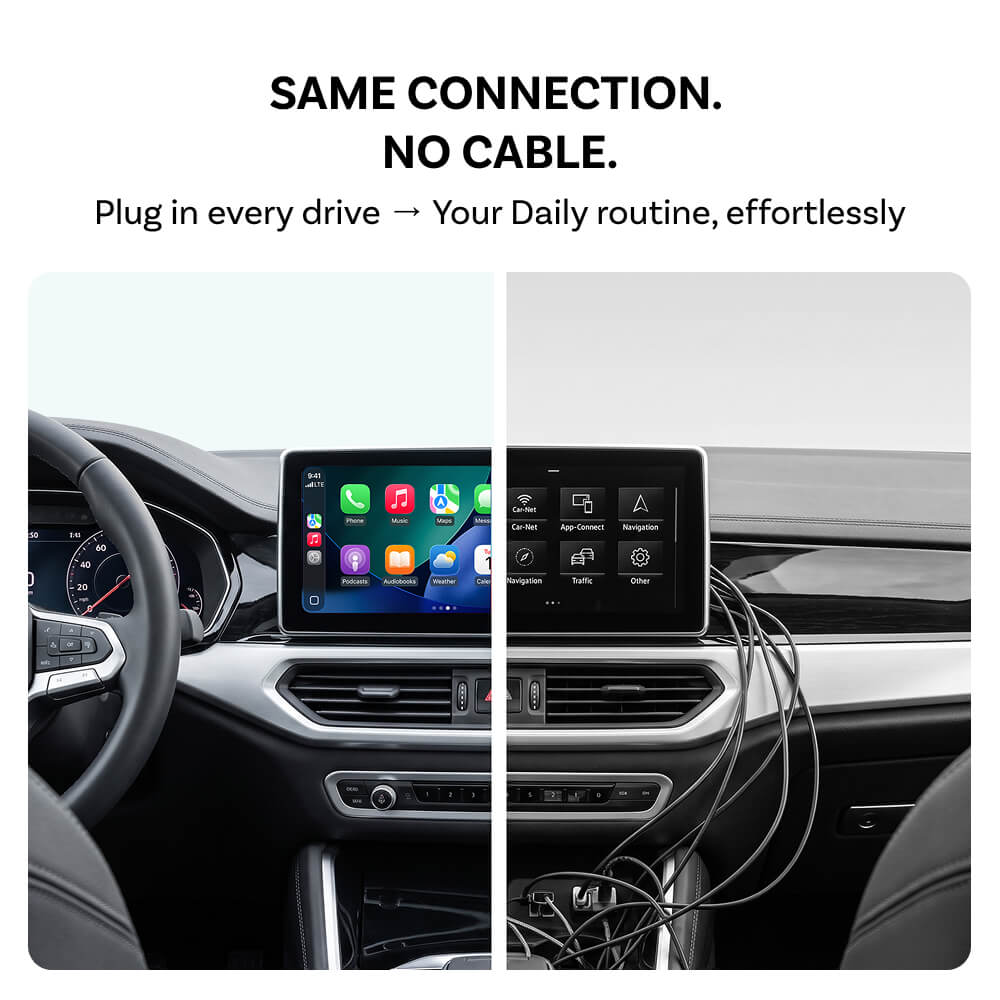
Factory wired CarPlay or wired Android Auto. U2Air Edge turns that connection wireless.
Yes. Pair once, then it reconnects when the car starts.
Yes. Use the button to move between paired devices.*
Compatible touchscreen, steering-wheel and dial controls continue to work through CarPlay or Android Auto.*