








Tiontaíonn sé nasc sreangaithe Apple nó Android leis an gcarr ina nasc gan sreang, rud a chruthaíonn eispéireas níos simplí agus níos mó solúbthachta maidir le suíomh agus úsáid an fhóin.
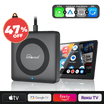 Car TV Mate Pro
 💥 An Cuibheoir is Ardfhorbartha de 2025 🛠️ Ottocast Mini ™ CarPlay & Android Auto 2-in-1
 Cuibheoir Cabin Care le haghaidh CarPlay Gan Sreang
 Cuibheoir Ottocast Mini NOVA gan sreang le haghaidh CarPlay/Android Auto
 Ottocast Mini Pico SmartSwitch
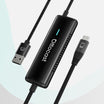 Ottocast Mirror Touch
Cuireann sé bogearraí breise leis anuas ar nasc an fhóin, rud a cheadaíonn rialú níos fearr ar aipeanna, ar ghnéithe agus ar fheidhmiúlacht chóras ionsuite an chairr. Comhéadan athraitheach le Apple CarPlay, Android Auto agus OttoDriveOS.
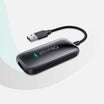 Play2Video Ultra
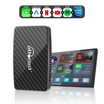 Play2Video Pro - Bain sult as Netflix agus YouTube díreach i do charr!
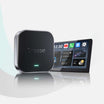 OttoAibox E2 CarPlay AI Box
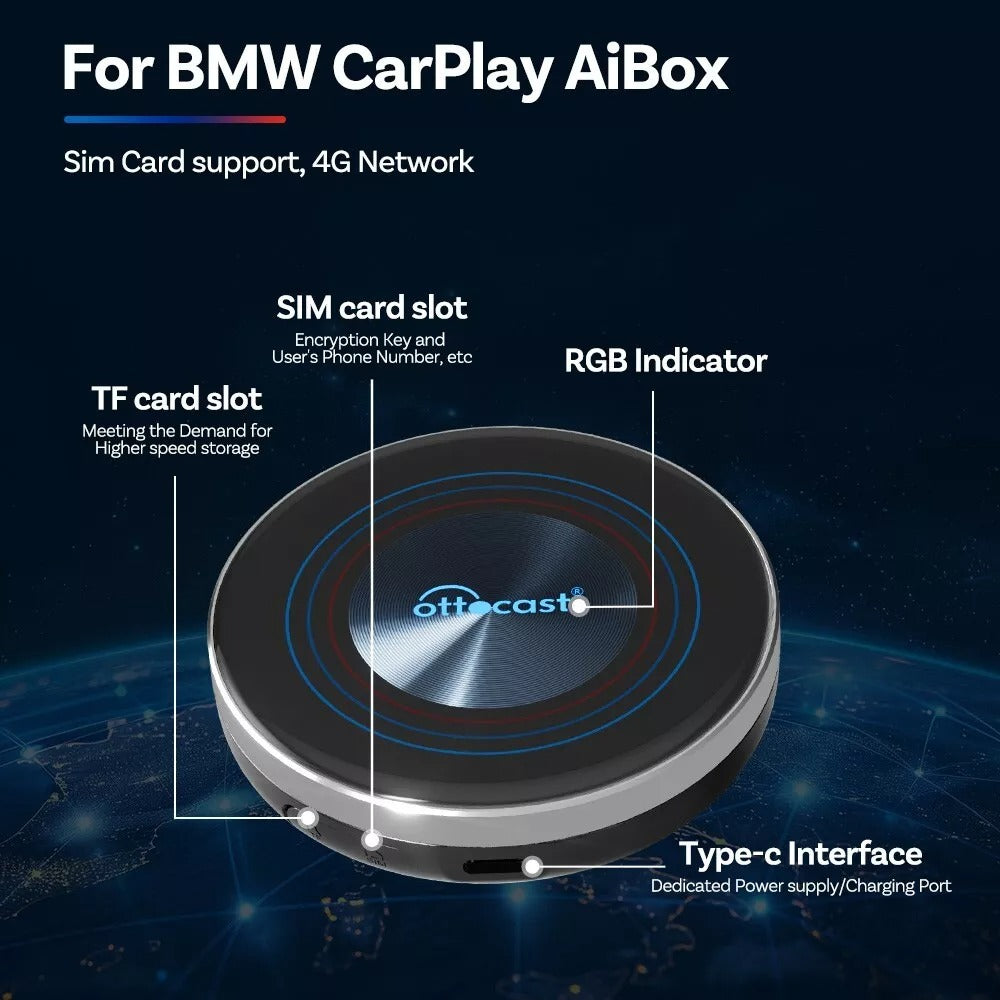
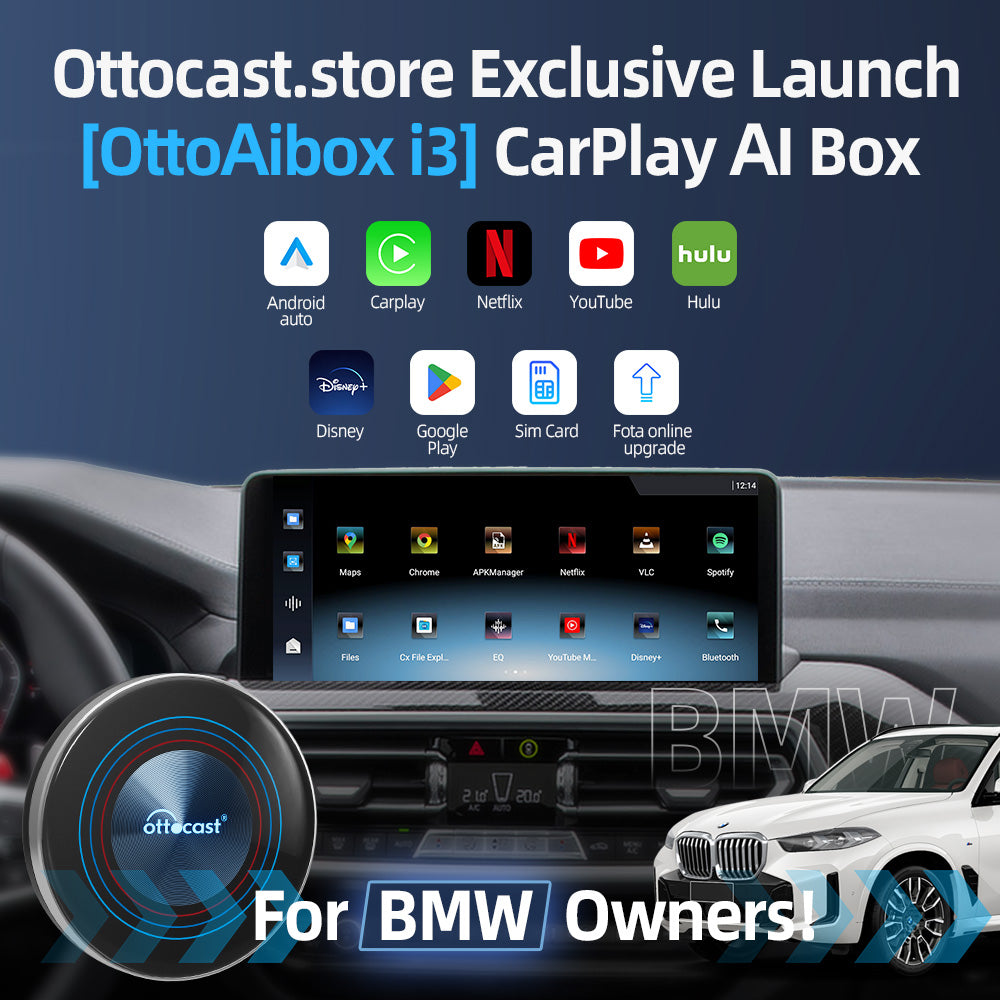
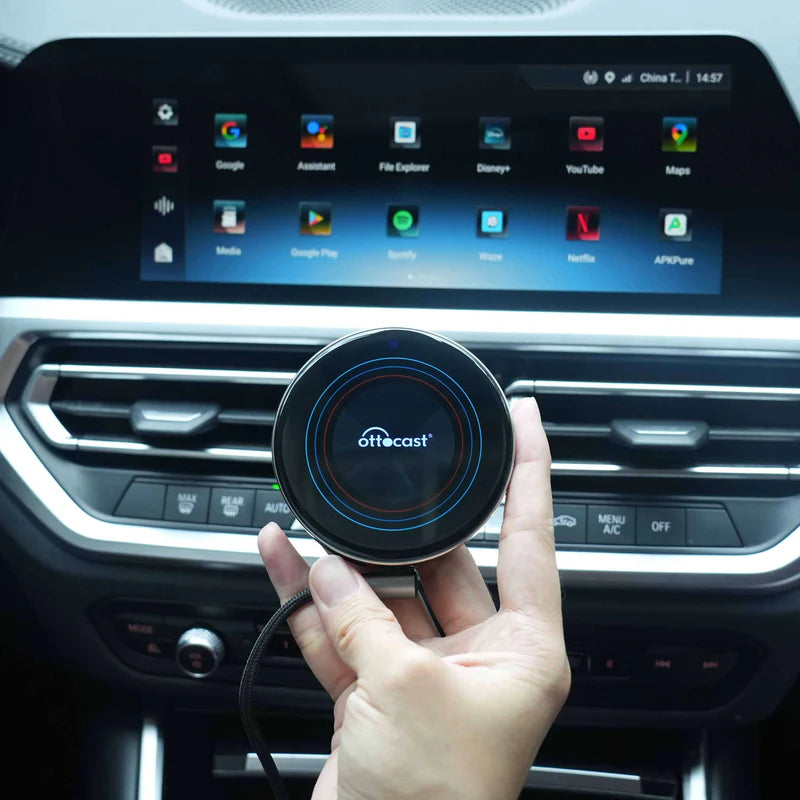
 OttoAibox ™ i3 (Deartha do mhúnlaí BMW.)
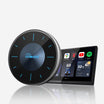 Bosca AI CarPlay OttoAibox ™ P3
 Bosca P3 Lite
 NanoAI
Scáileán plugáil-agus-imirt do gach carr, lena gcumasaítear painéal CarPlay nó Android Auto le nasc gan sreang, ceamaraí tosaigh agus cúil ionsuite, agus rianú GPS do charranna agus do ghluaisrothair.
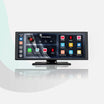 Scáileán Taispeána Inaistrithe do Ghluaisteáin ScreenFlow
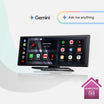 OttoScreen AI
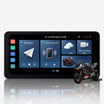 Scáileán Taispeána GPS OTTOCAST ™ C5 Ultra do Ghluaisrothar le Android 12 agus Ceamara DVR
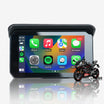 OTTOCAST ™ C5 SE Gluaisrothar Inaistrithe
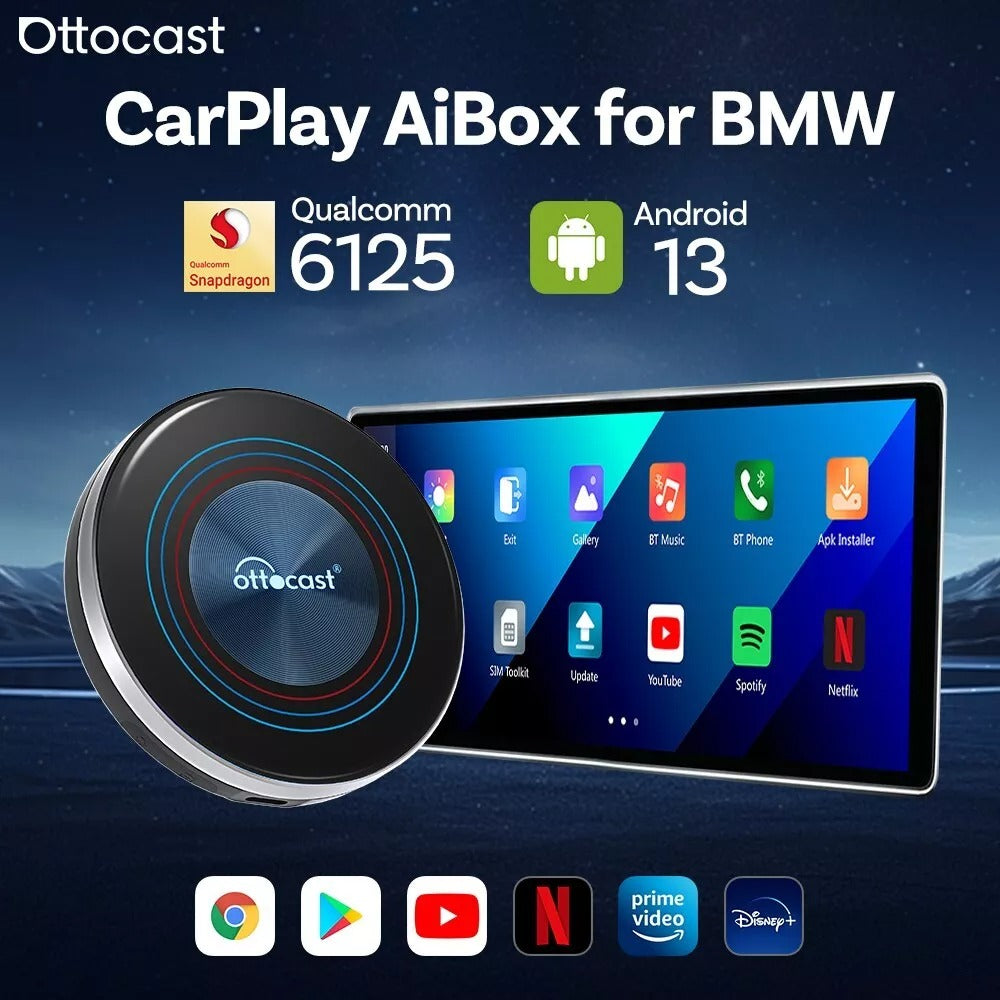
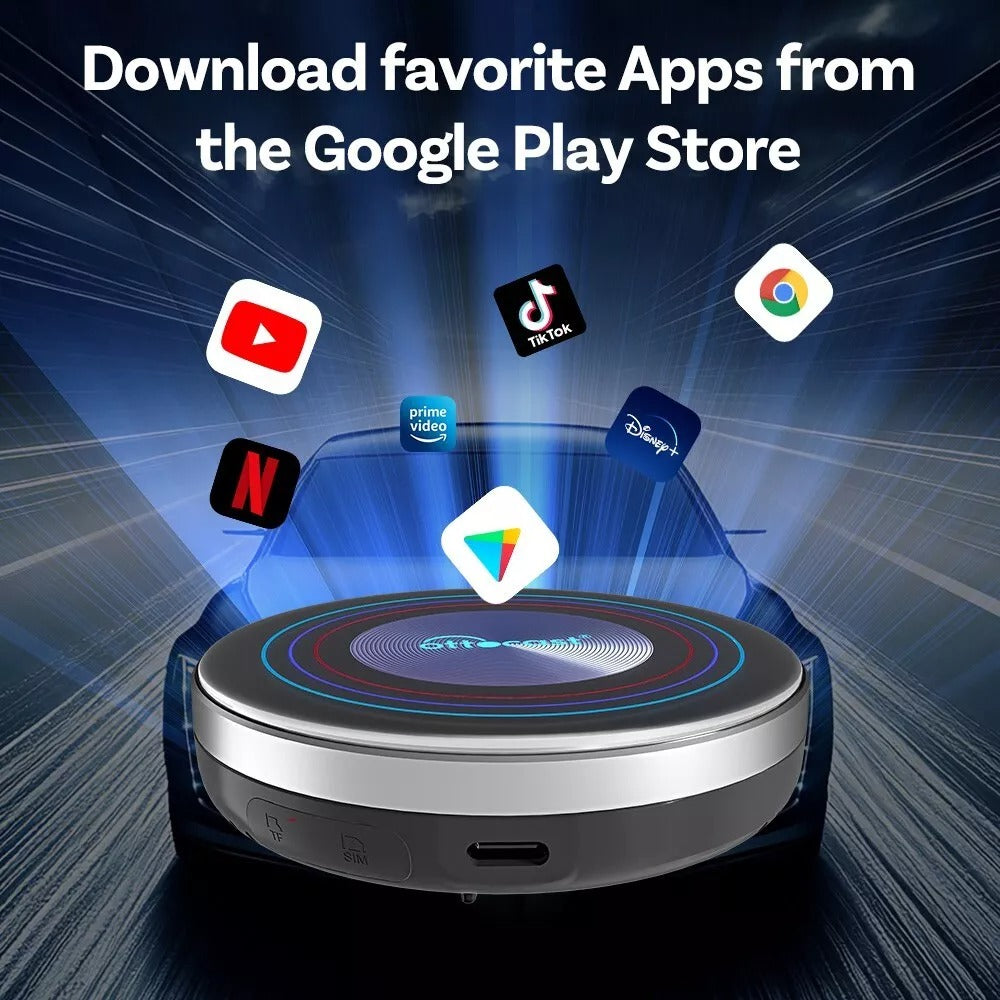
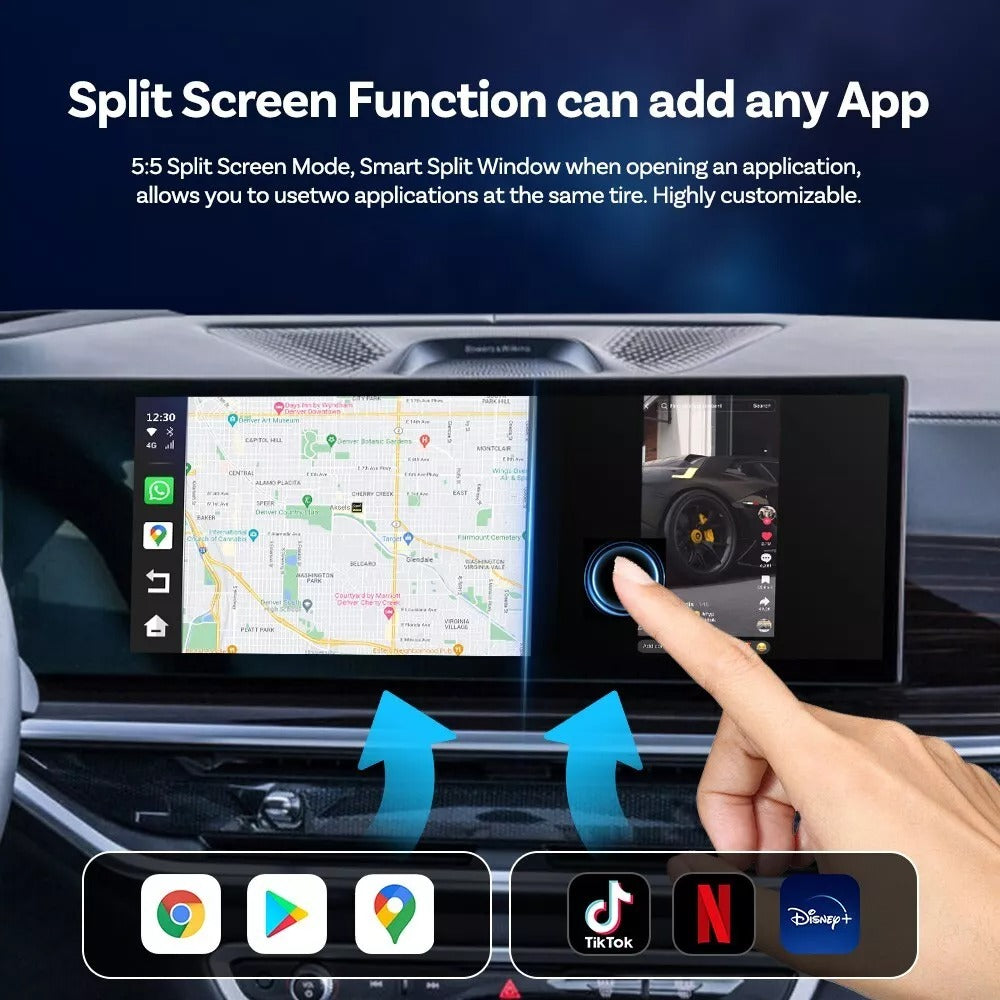
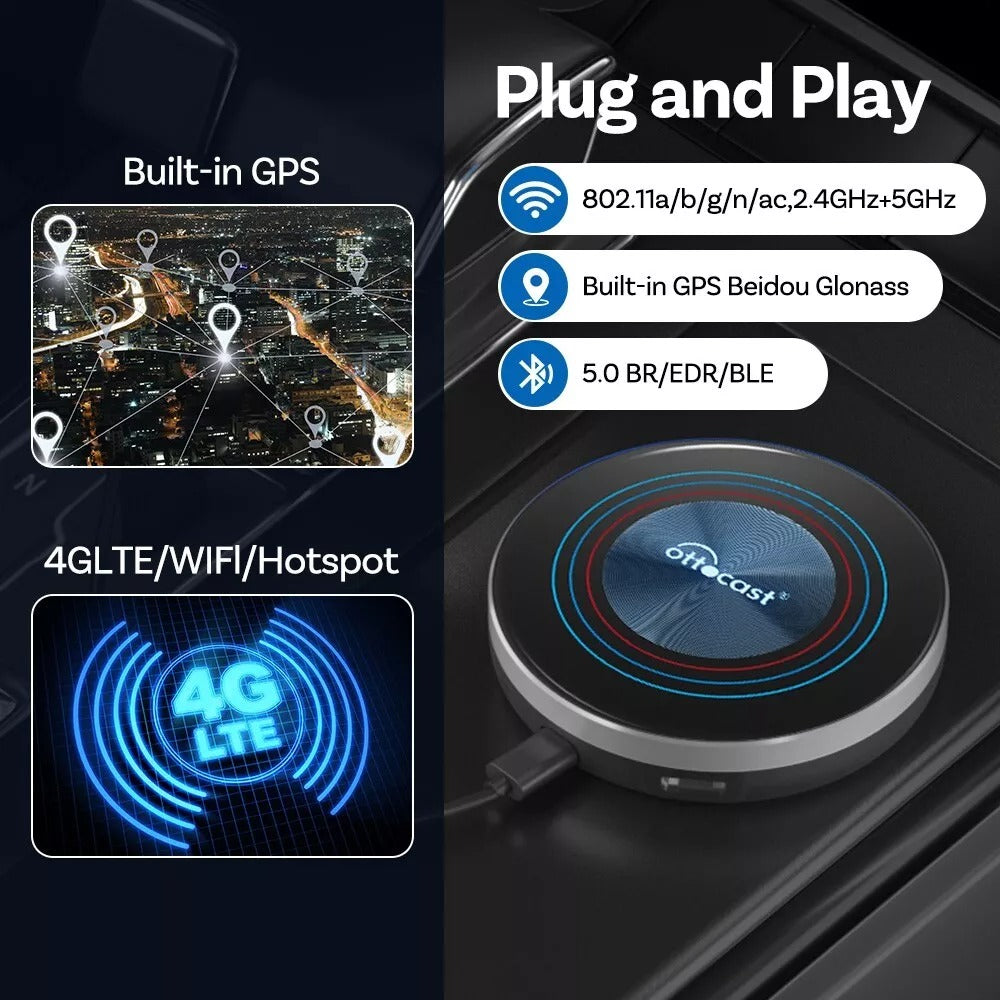
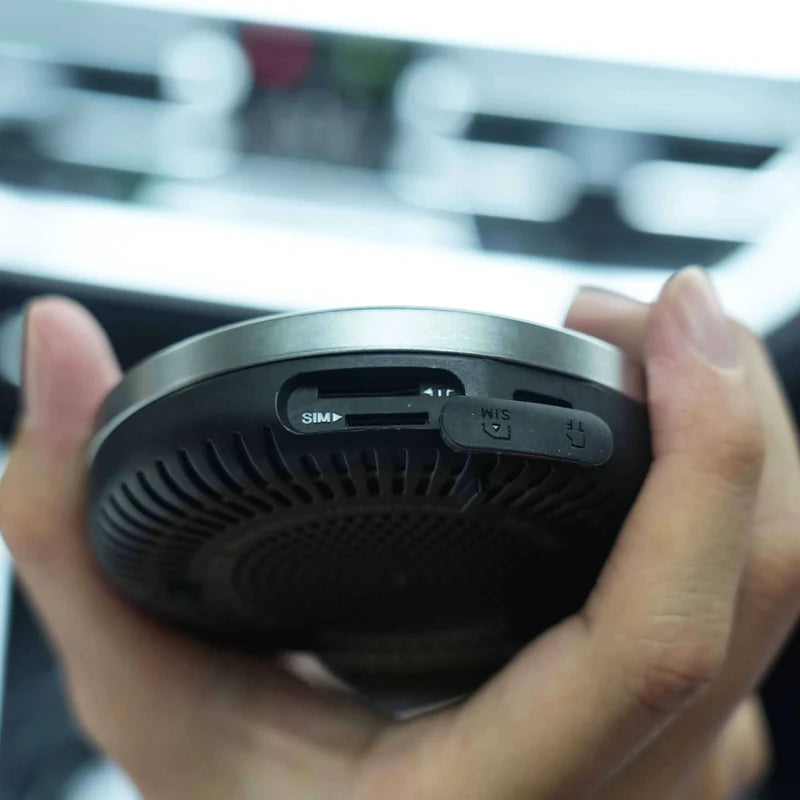
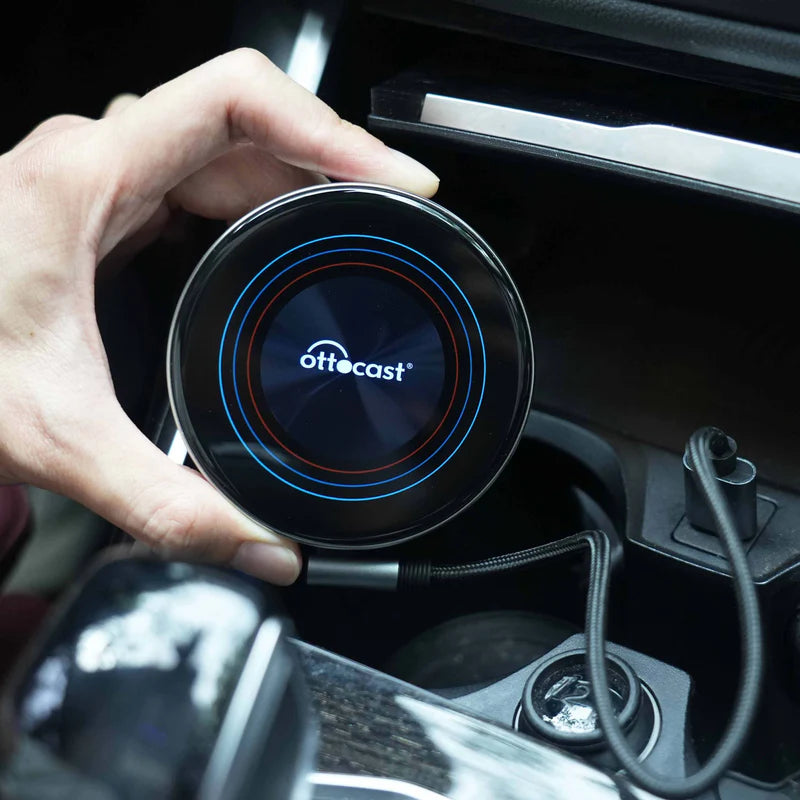
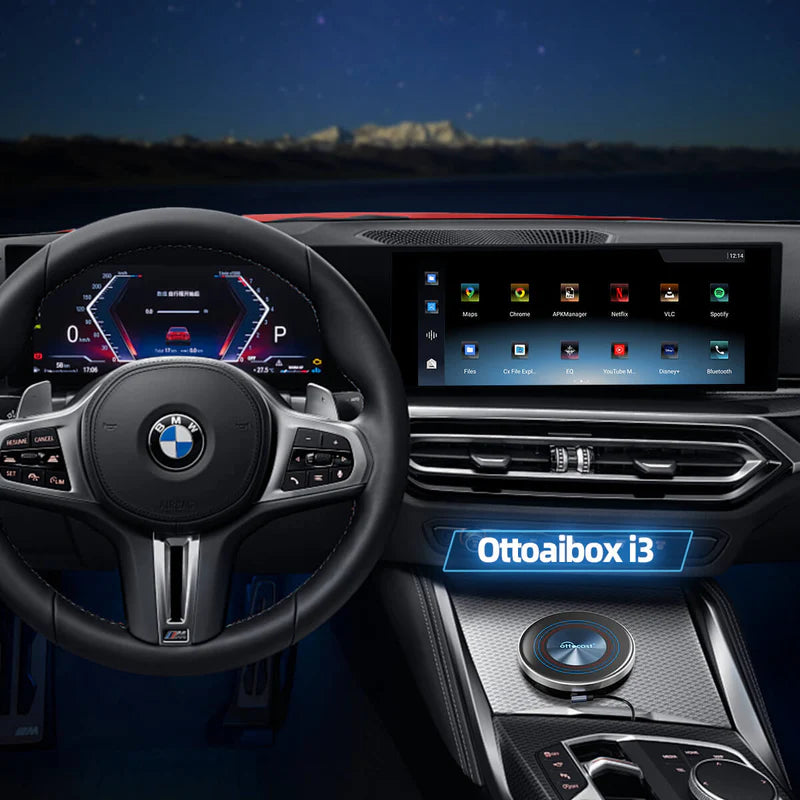
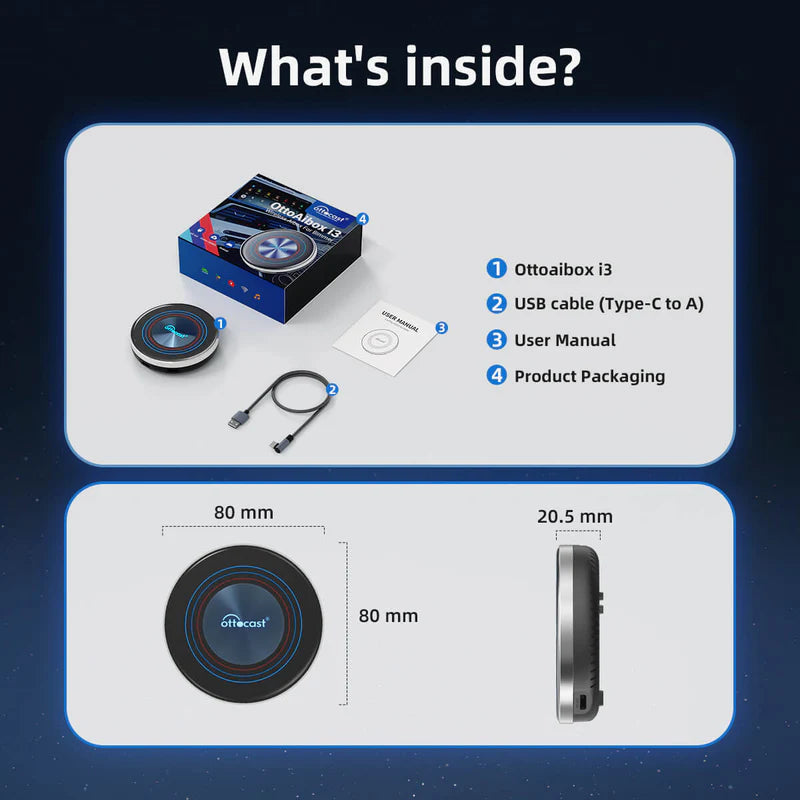
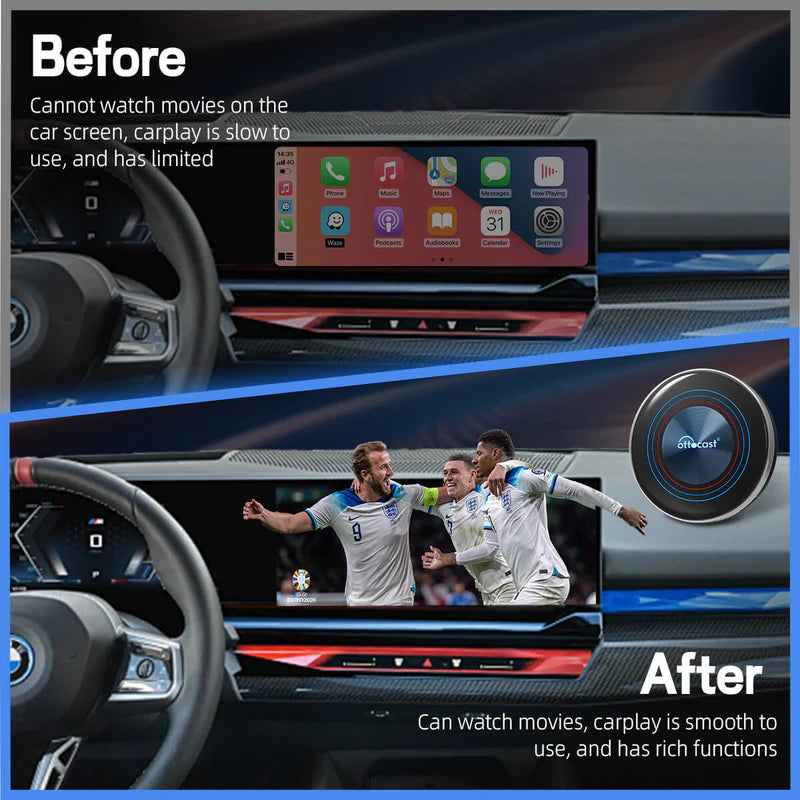
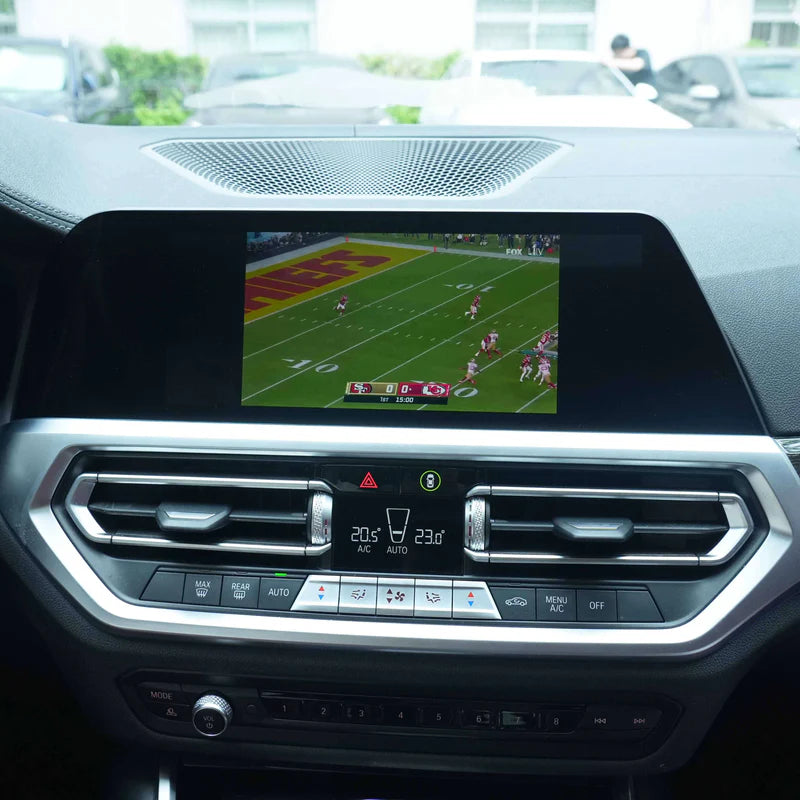
Féach ar na seónna, na scannáin, na spóirt bheo agus tuilleadh is fearr leat!
Féach ar aon rud ón ardán sruthaithe is fearr leat ar scáileán taispeána do chairr. Ceangail an Ottocast i3 le haon ghléas CarPlay agus bain sult as láithreach!
Lean an treoir suiteála atá sa Kit Ottocast i3; tógfaidh sé thart ar 2–3 nóiméad é a shocrú.
1. Bain an Ottocast i3 den trealamh.
2. Ceangail é leis an USB atá san áireamh.
3. Úsáid an treoir thapa shocraithe ar scáileán taispeána do chairr.
*Mura bhfuil scáileán tadhaill i d’fheithicil, molaimid cianrialtán Ottocast a cheannach chun nascleanúint níos éasca a dhéanamh
- Gléas Ottocast i3
- Cábla USB-A go USB-C
- Cábla USB-C go USB-C
- Cábla seachbhóthar cumhachta
- Treoir Thapa Tosaigh
- Pacáistiú an táirge
Seolfar orduithe a chuirtear roimh 10am PST an lá céanna agus, nuair a sheolfar iad, is é 3–5 lá gnó an meán-am seachadta. Seolfar gach ordú eile an lá dár gcionn, seachas Dé Sathairn nó Dé Domhnaigh.
*Braitheann orduithe idirnáisiúnta ar an iompróir loingseoireachta a roghnaítear ag an tseiceáil amach.
Is féidir orduithe a chur ar ais laistigh de 30 lá ón dáta a gcomhlíontar d’ordú. Chun aisíocaíocht a fháil, caithfidh na hearraí a chuirtear ar ais a bheith sa riocht bunaidh acu gan aon fhianaise ar chaitheamh ná ar dhamáiste. Ní mór na comhpháirteanna uile a bhí san ordú bunaidh a chur ar ais chomh maith.

Scáileán Amháin, Taitneamh Dúbailte!

Féach ar fhíseáin am ar bith, áit ar bith.

Déan iniúchadh ar na féidearthachtaí go léir le haipeanna is ansa leat.

Rochtain dhomhanda ar an Idirlíon.
Déanta go heisiach


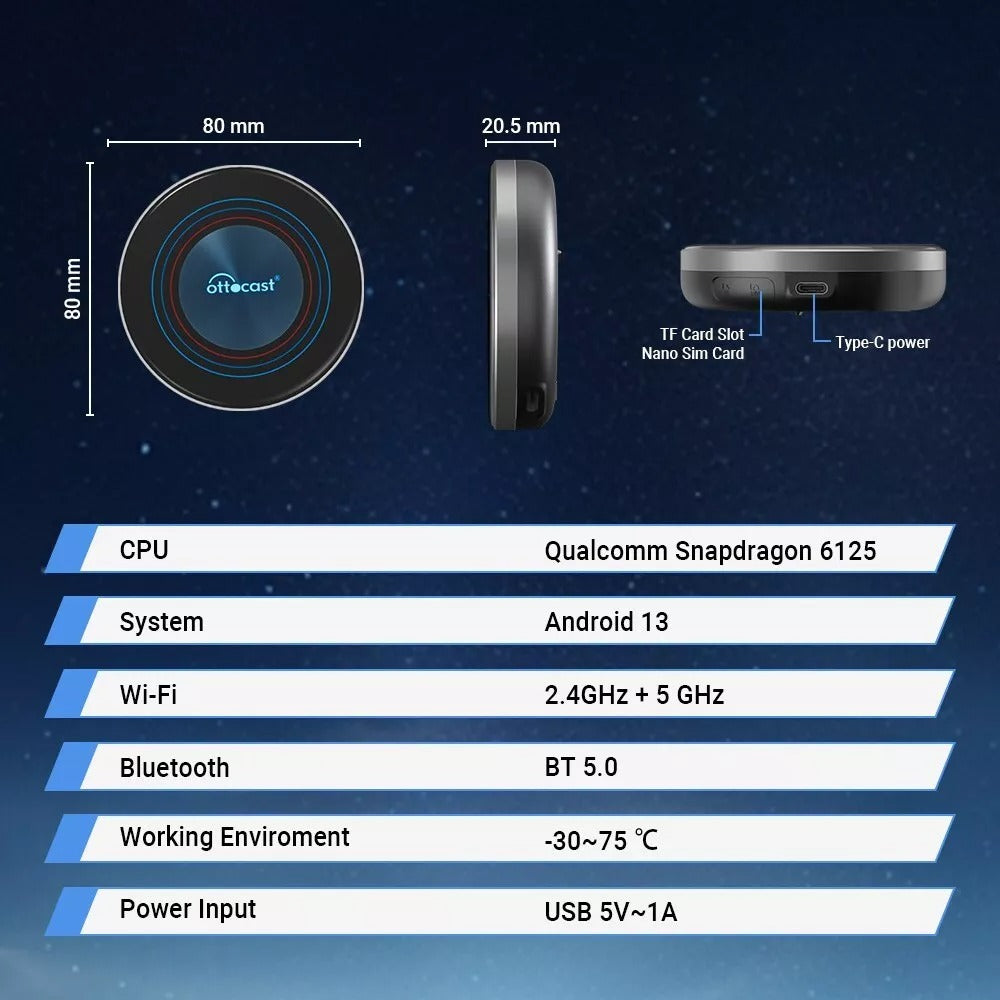
Qualcomm Snapdragon 6125

8GB RAM + 128GB ROM
Bluetooth 5.0
Córas Oibriúcháin OttoDrive
Córas Oscailte Android

Cárta TF (suas le 256GB)

Solas Timpeallachta sa Charr


Oscail Córas Android
Níos Mó Ná Téacs agus Guth Amháin
Bris saor ó theorainneacha na gcóras traidisiúnta iDrive.
Cuireann ár gcóras Android feidhmiúlacht físe leis, gan gá le hiarfheistiú.


Scáileán Amháin, Taitneamh Dúbailte!
(Sáraigh Teorainneacha, Glac le hEispéireas Iomlán Nua.)
Bíonn sé ag feidhmiú ag formhór na ndaoine laistigh de chúpla nóiméad. Tá treoracha sa bhosca agus inár n-ionad cabhrach.
I gcás gach feithicil BMW (iDrive 6,7,8,9)
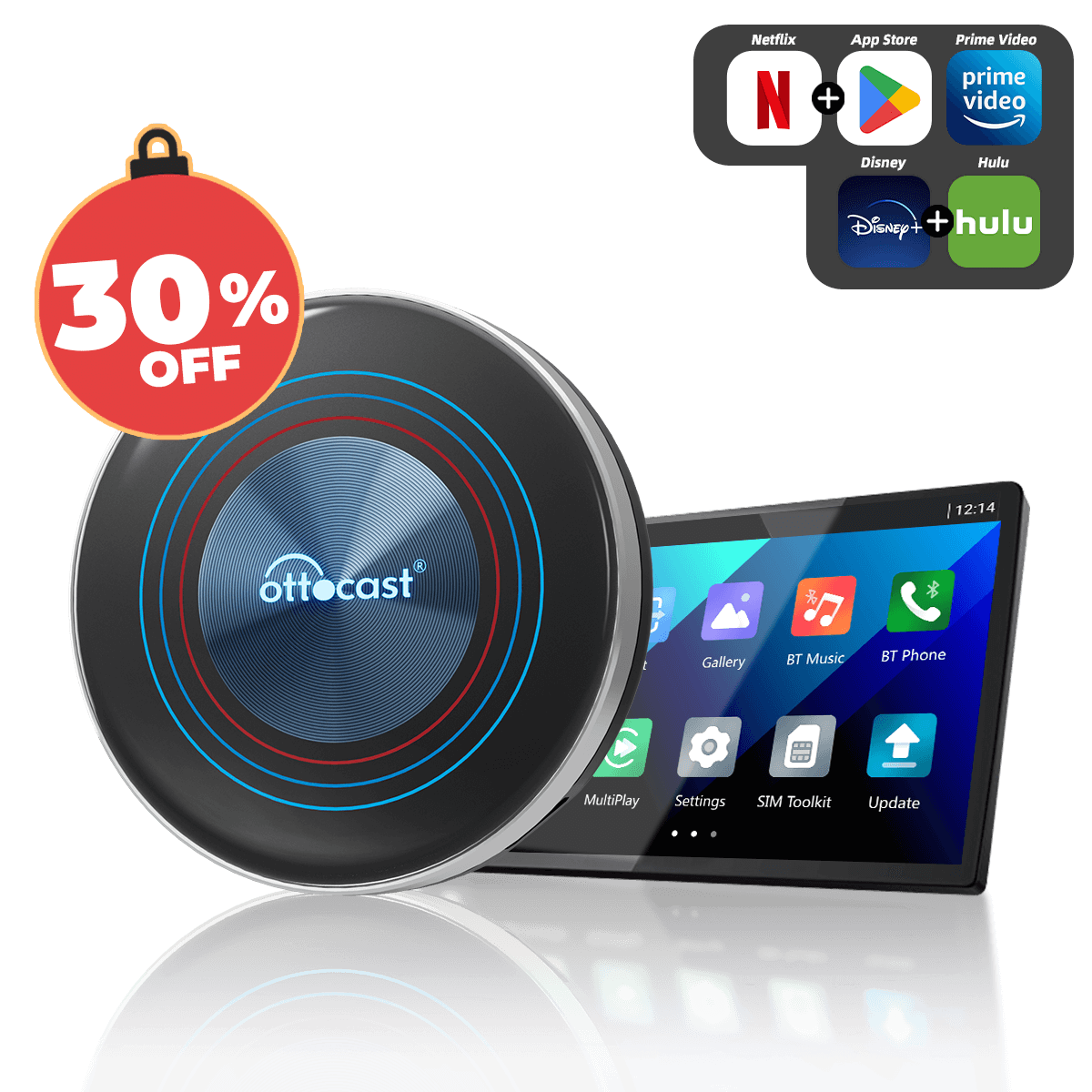
Ní hea, tá na haipeanna sruthaithe is mó tóir réamhshuiteáilte againn ar an mbosca duit. Tá teacht ar Google Play ón mbosca chun aon aip a íoslódáil más mian leat.
Sea, oibreoidh sé agus tú ag gluaiseacht, ach ar chúiseanna sábháilteachta agus dlíthiúla níor cheart duit The OttoAibox i3 a úsáid ach nuair atá an fheithicil páirceáilte in áit shábháilte. (Seiceáil do rialacháin áitiúla roimh úsáid.)
Níl le déanamh ach aip Netflix a íoslódáil ó Google Play Store ar ghléas OttoAibox i3. Logáil isteach i do chuntas agus cuir tús le sruthú na seónna is ansa leat.
Déan scáileán cliste teilifíse de scáileán taispeána do chairr le The OttoAibox i3. Níl le déanamh agat ach The OttoAibox i3 a phlugáil isteach i bport USB do chairr, agus cuirfear ár scáileán in áit an ghnáthscáileáin CarPlay nó Android Auto. Íoslódáil aon aip agus tosaigh ag sruthú le The OttoAibox i3.


